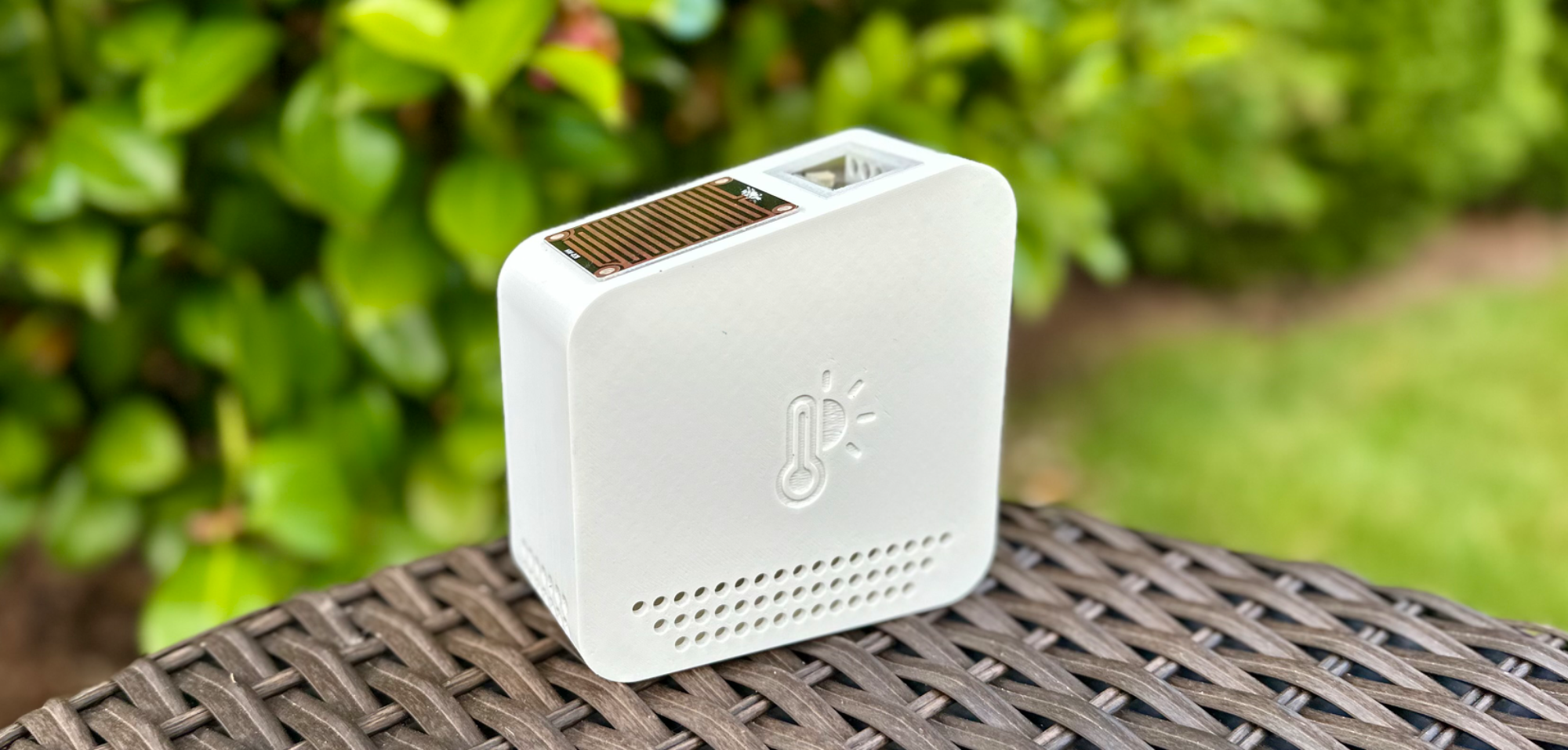
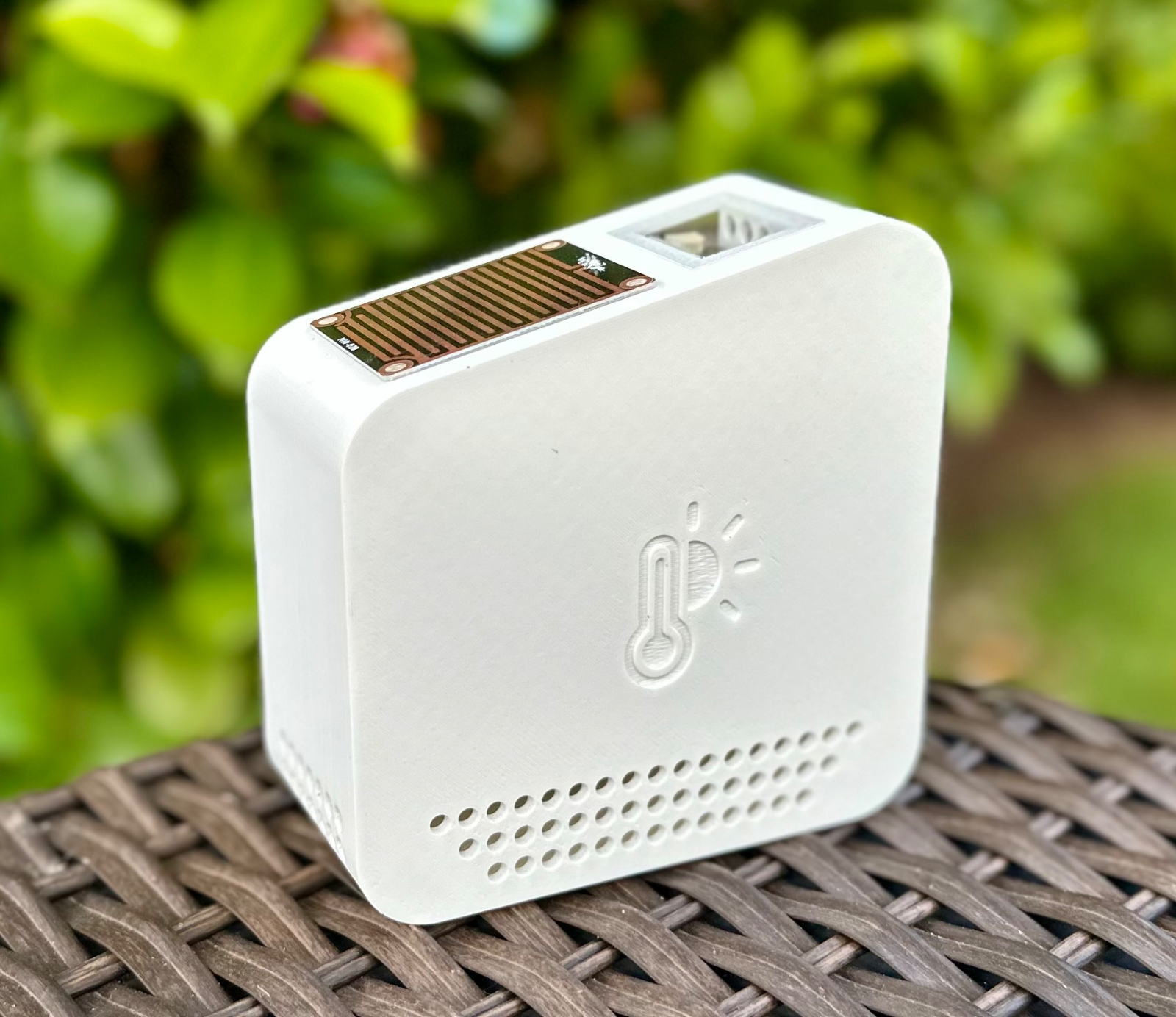
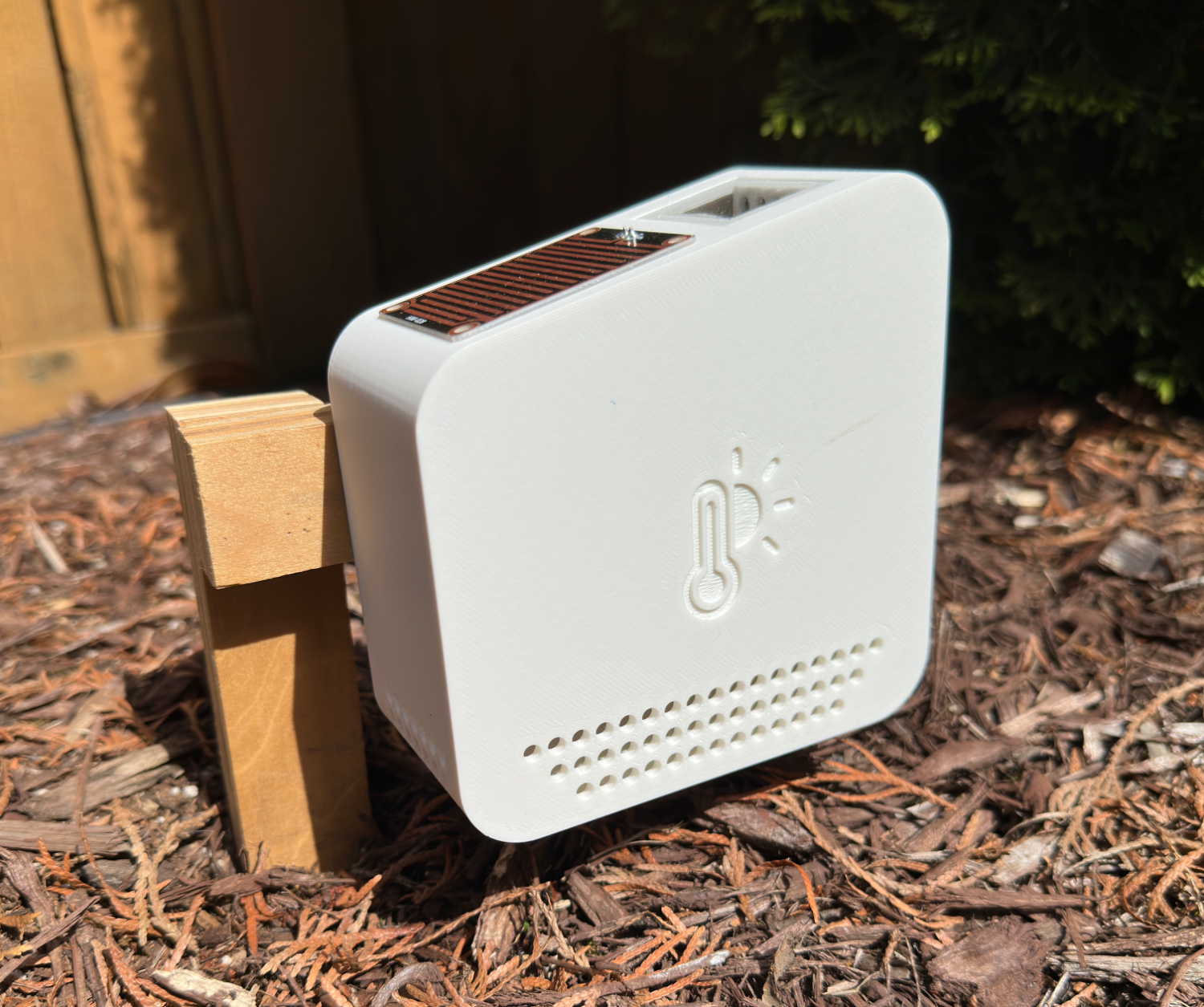
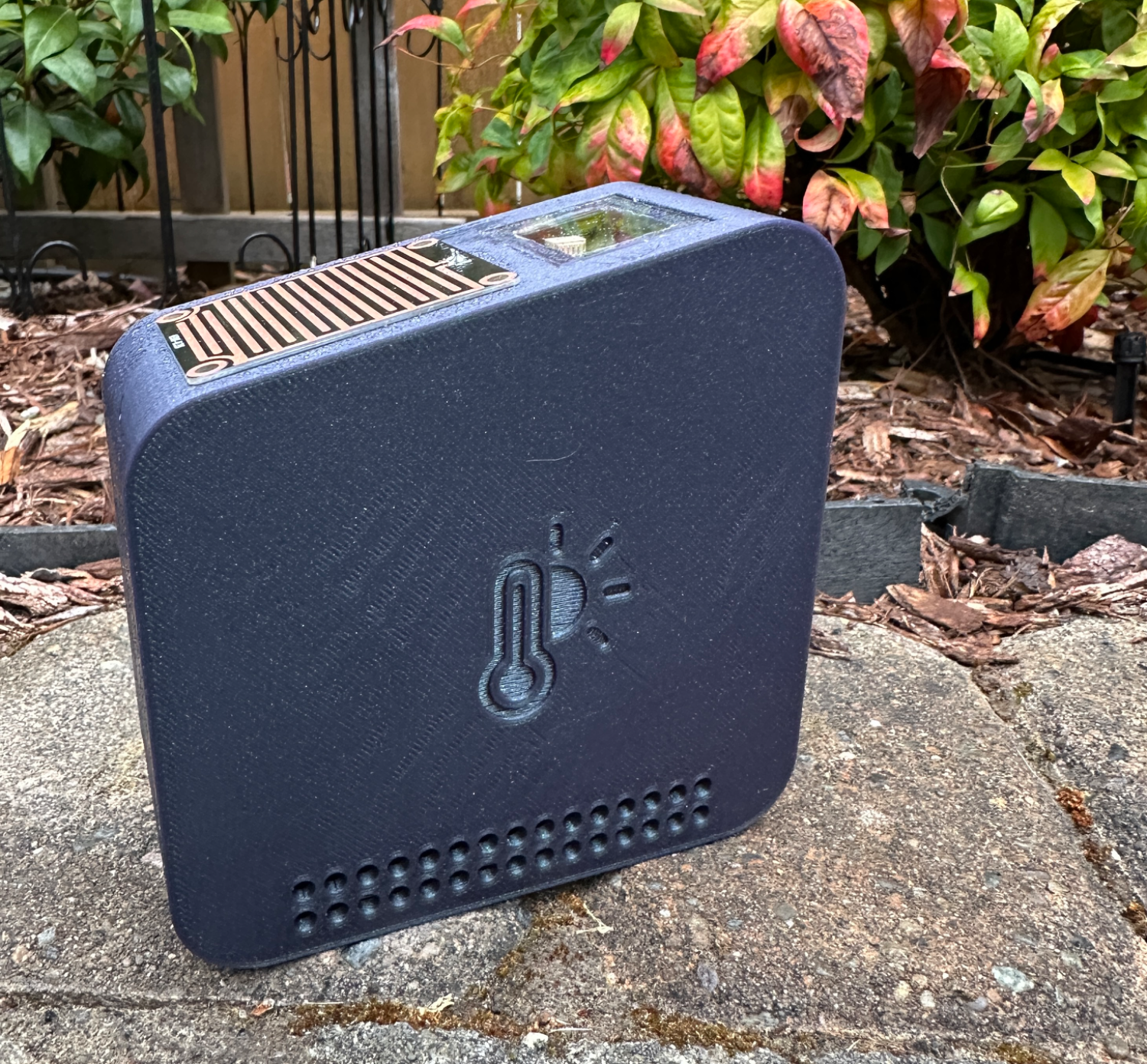
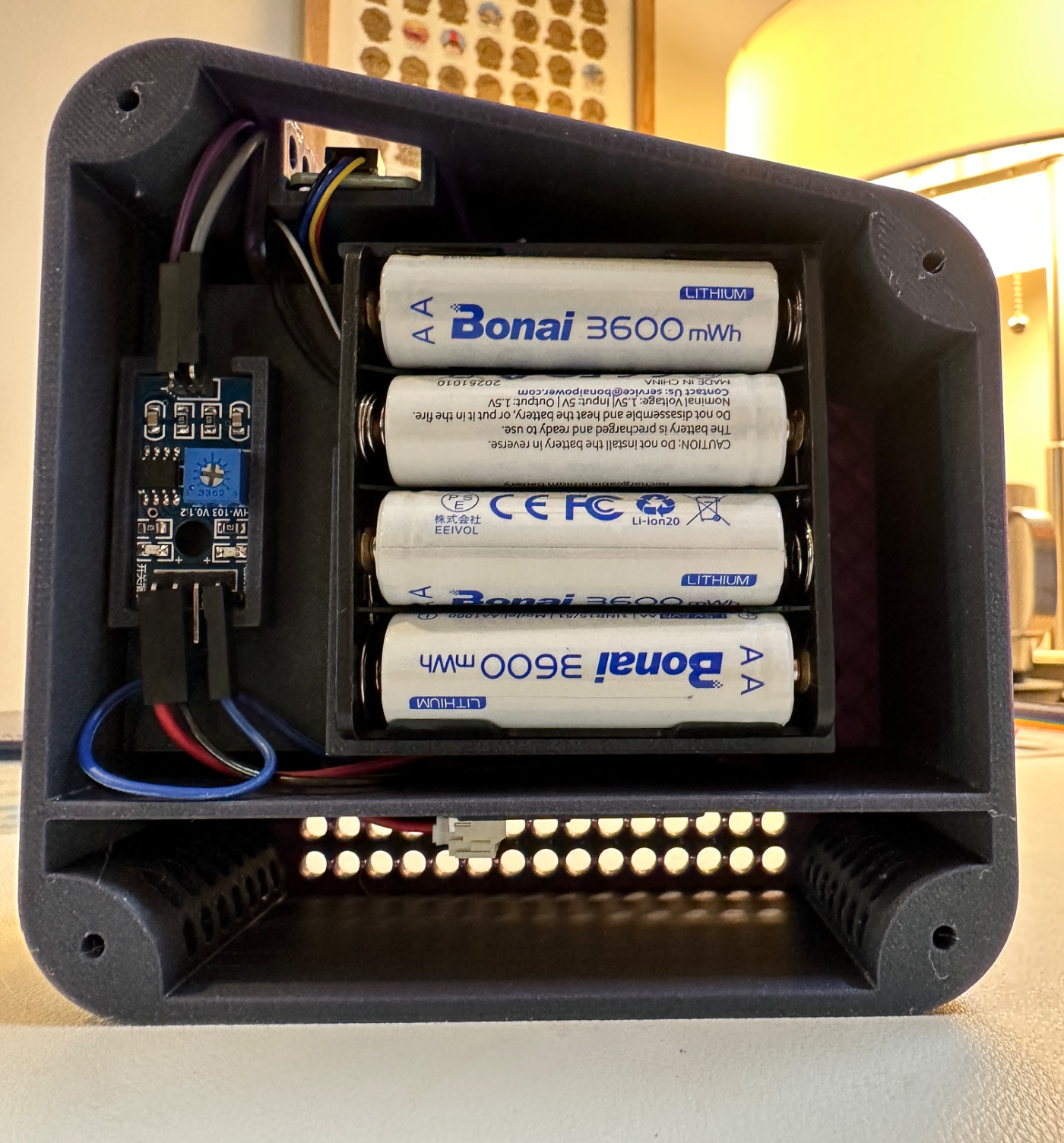
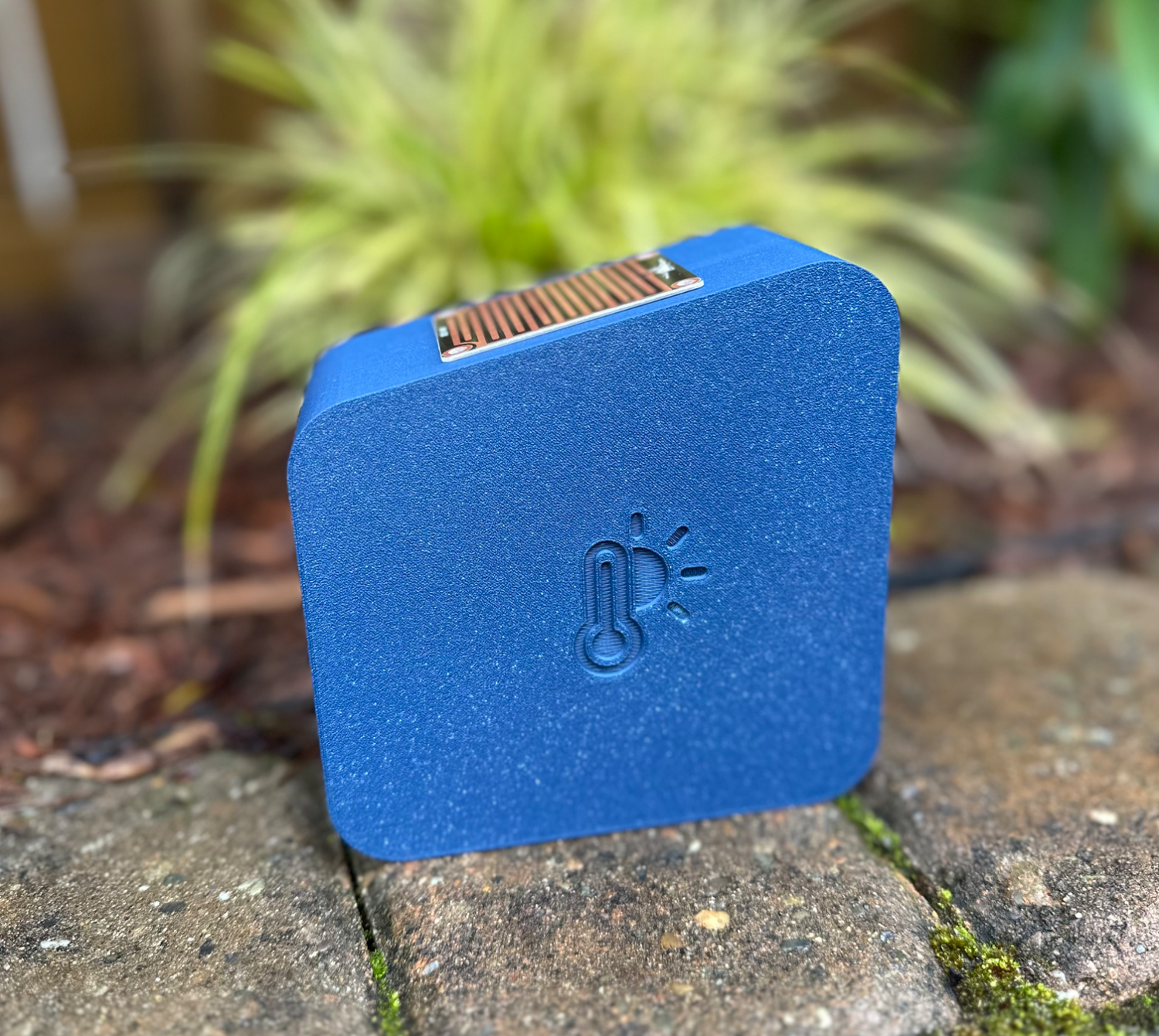
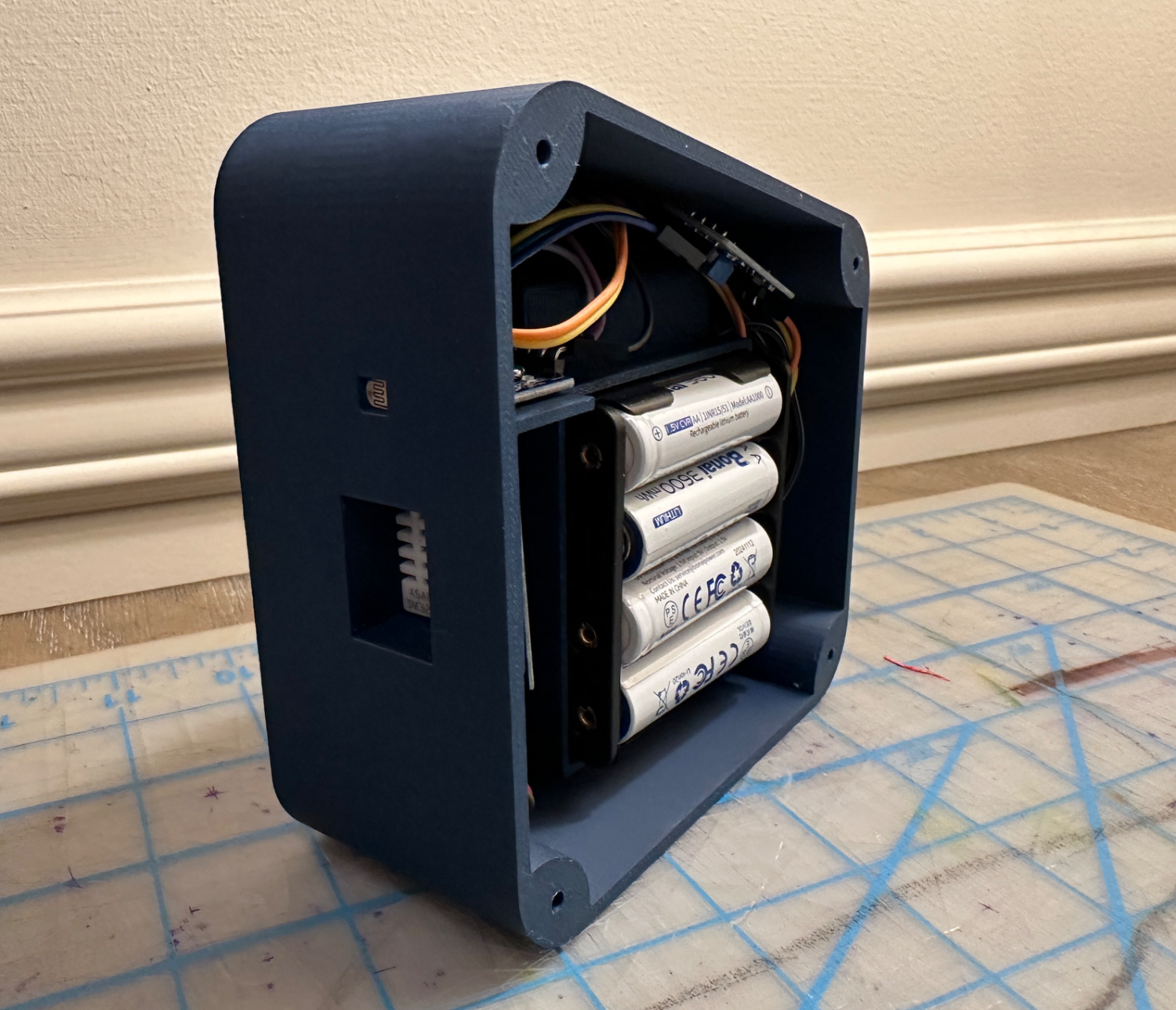
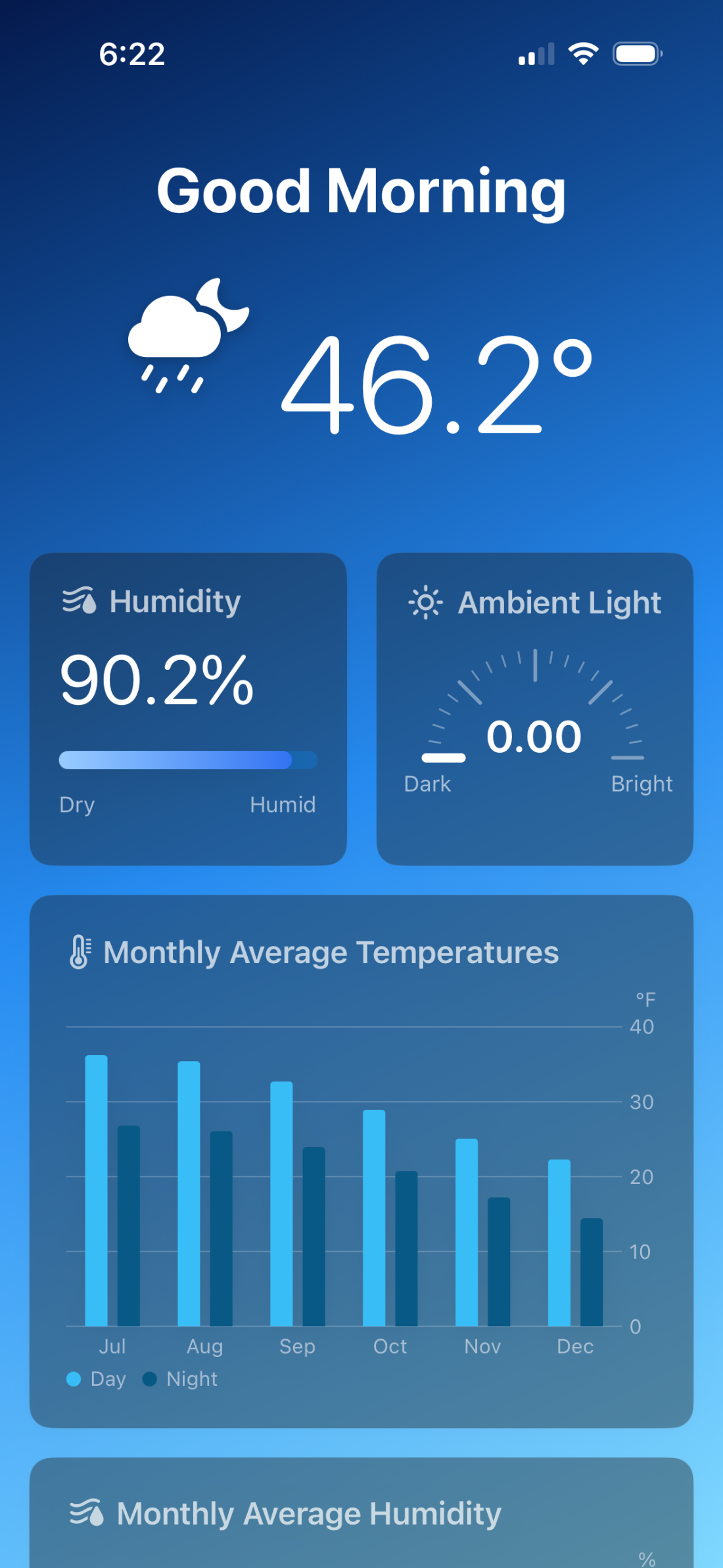
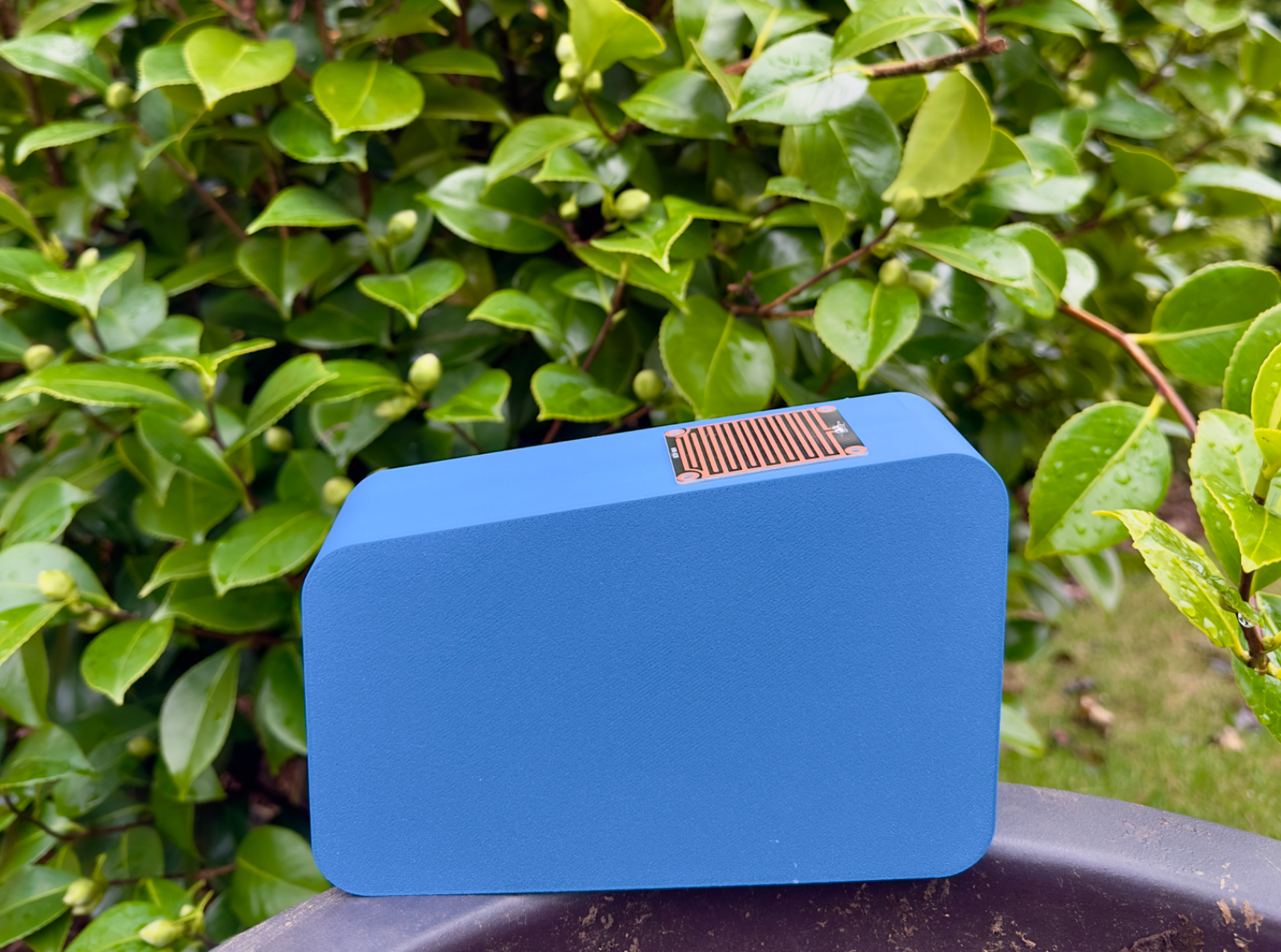
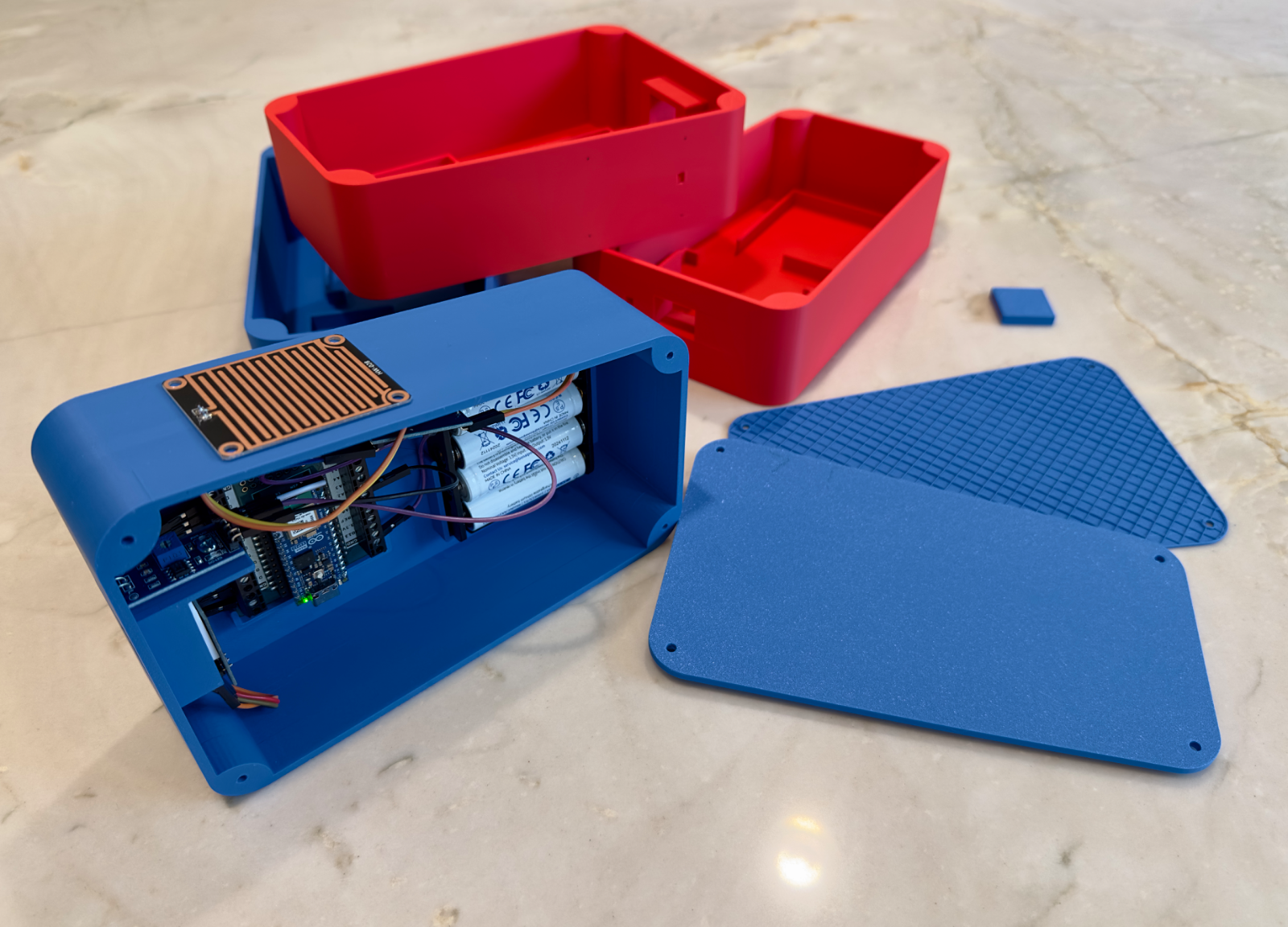
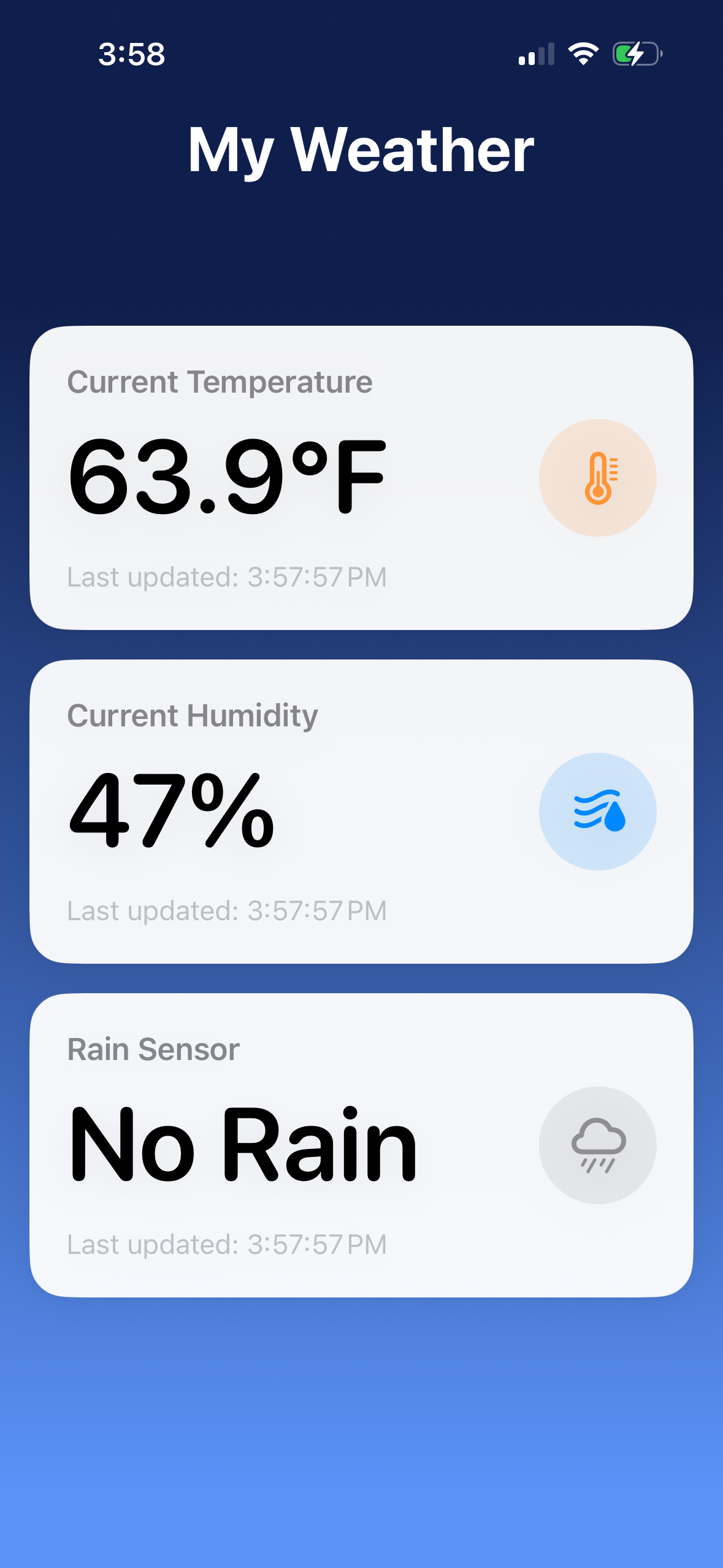
The MyWeather sensor, out in the backyard collecting data right now.
A GARAGE PROJECT
All we wanted was the real weather in our own backyard.
No screen cluttering up the counter. No third-party app, no account, no fee. The exact conditions at our house, right on the lock screen. Clean and simple.
That small wish pulled us into weather, Arduino, 3D printing, and a cloud backend we never planned to build. MyWeather is what came out of it. It is still very much an active build.
MyWeather
We always want to know the exact weather at our house. Not the airport across town. The actual yard. The trouble is that most products make you put an ugly LCD screen on the counter, or download someone’s app, create an account, and sometimes pay a fee. None of that is what we wanted.
So we decided to roll our own.
A small outdoor sensor we designed and printed ourselves, talking to a backend we wrote, feeding an iOS app built exactly the way we like it. Like Word Hunt Solver before it, MyWeather is a playground. A project with as many layers as we care to dig into, and we keep digging.
Readings post over WiFi about every five minutes, straight to our own cloud. No third-party service required.
The Field Log
Below is our build journal, most recent entry first. Every one is a real step in the project. What worked, what didn’t, what we learned, and what we are chasing next.
May 2026
v3.5 sensor
Backyard weather had more to teach us. A few things showed up fast once v3 was deployed.
The biggest lesson was airflow. The new Climate Chamber worked, but not well enough. It did not move enough air, so on hot days it warmed up and inflated the temperature reading. The second lesson was color: the dark case looked good, but it trapped extra heat, which is not what you want when you are measuring the weather.
So v3.5 is now deployed, with two important changes:
50% more airflow through the Climate Chamber.
An all-white case to cut heat buildup.
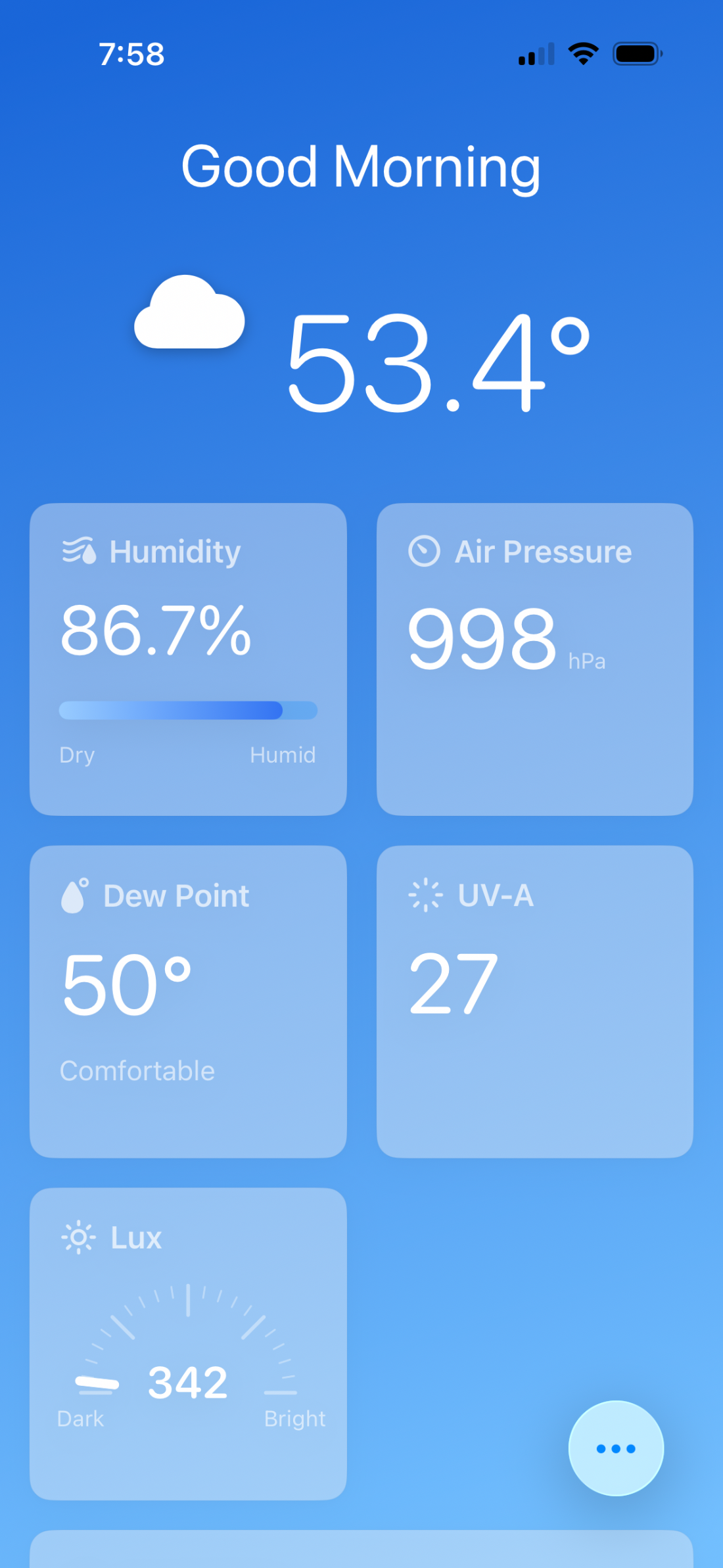
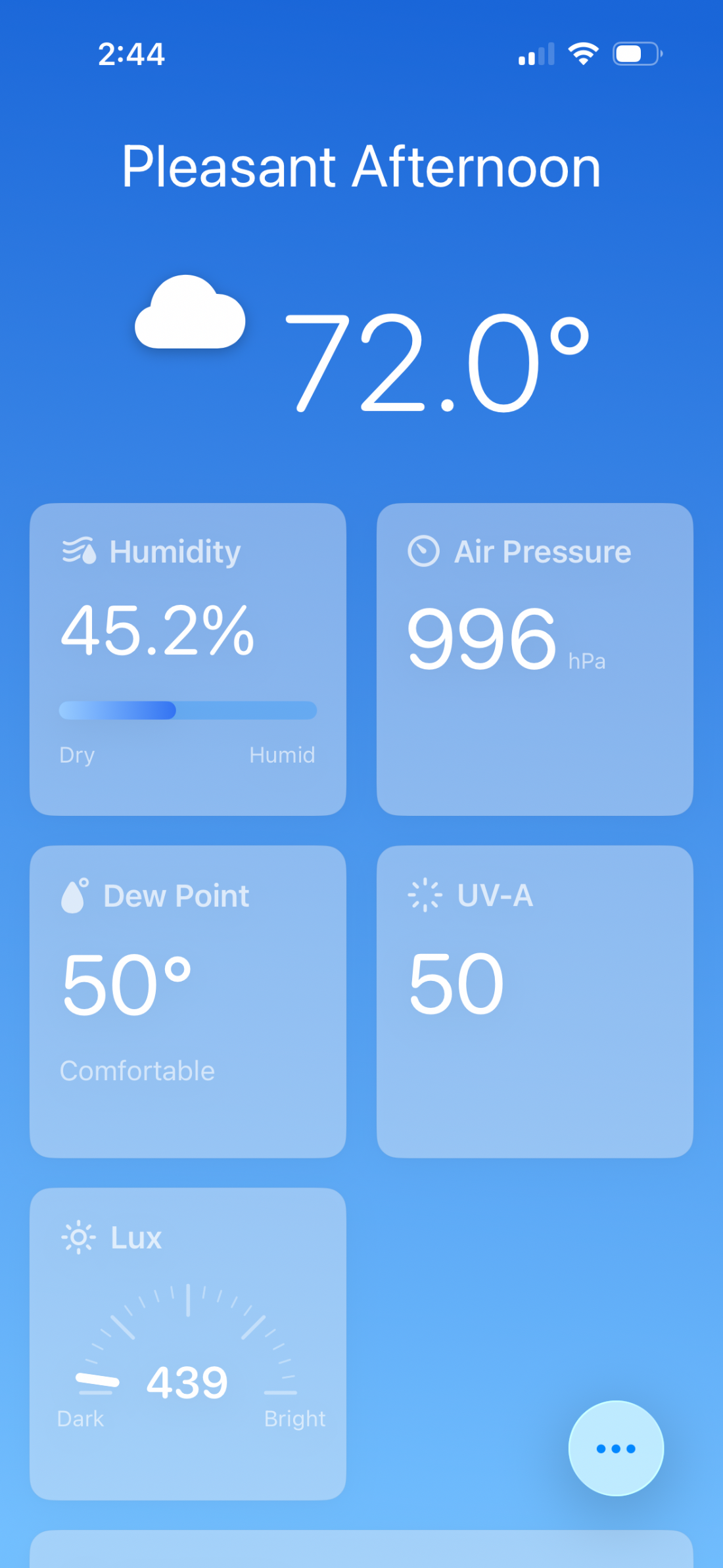
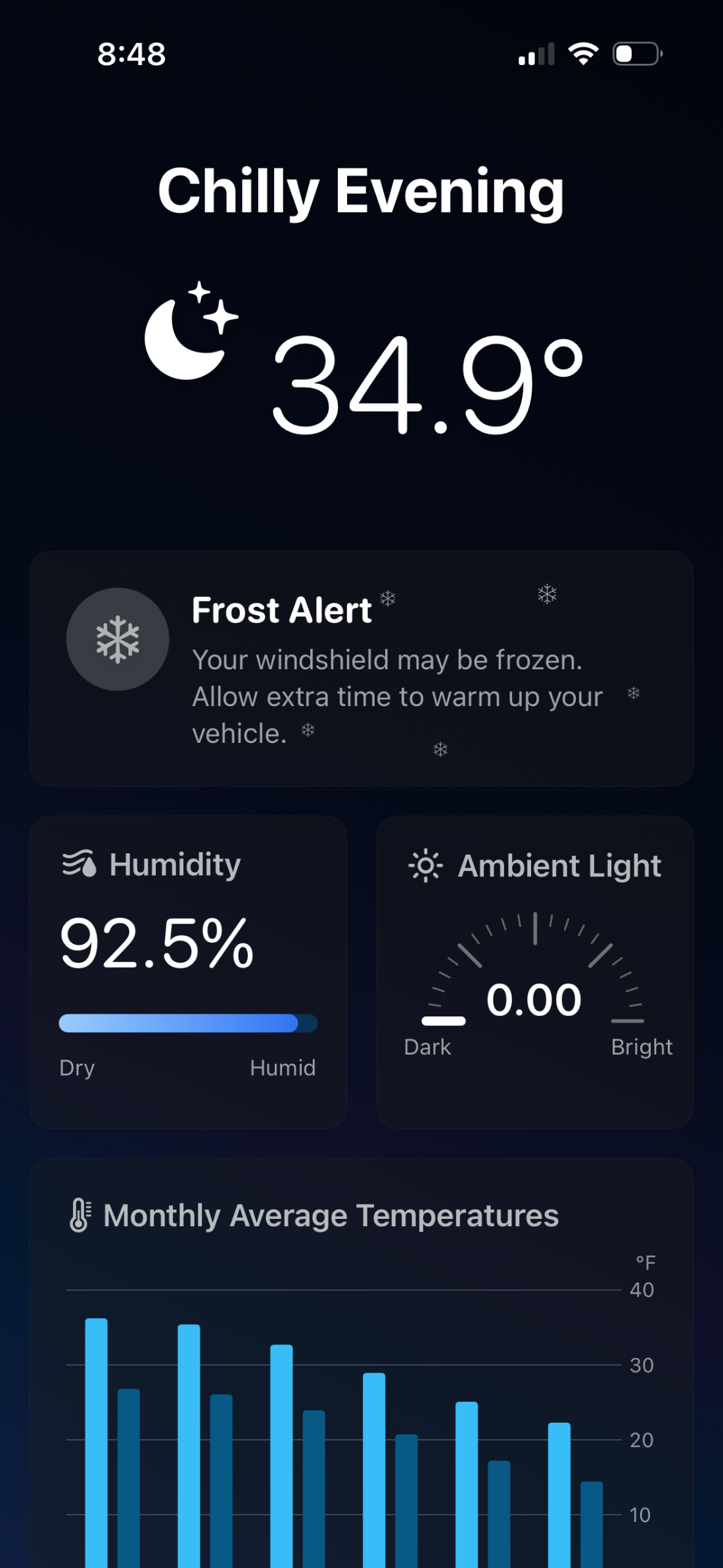
The app got an upgrade too. With more sensor data to work with, MyWeather now calculates dew point, so the frost alert runs on real context instead of a simple nighttime temperature threshold.
Next up: a little nowcasting for our home. Short-range prediction of what is likely to happen right here in the next few minutes or hours. Every time the curiosity trail seems to end, we crest another hill and find there is still plenty of adventure ahead.
v3.5 in its all-white case, and the app reading the new dew point, air pressure, and UV-A data.
April 2026
v3 is in the yard
v3 is deployed, with substantial upgrades packed into the exact same footprint. That took a real redesign and a lot of internal engineering to make everything fit.
A new Climate Chamber housing an upgraded sensor that adds air pressure.
A new ambient light board that now reads UVA.
A voltage sensor, so the device can finally estimate its own battery charge.
A completely rewritten Arduino program, tuned hard for low power.
iOS on-device notifications, which made it fast and simple to set up frost and low-battery alerts without any backend infrastructure.
It took a pile of rapid prototypes and a lot of small experiments to get here. With every new sensor onboard, we are pretty intrigued by the idea of micro-casting the weather from our own backyard.
v3 deployed in the yard, the new sensors and batteries packed inside, and the full electronics during the build.
March 2026
v2: smaller, steadier, faster
With a tight feedback loop running, v2 came together fast. It was a lot of fun. Every learning from v1 went straight back into the design.
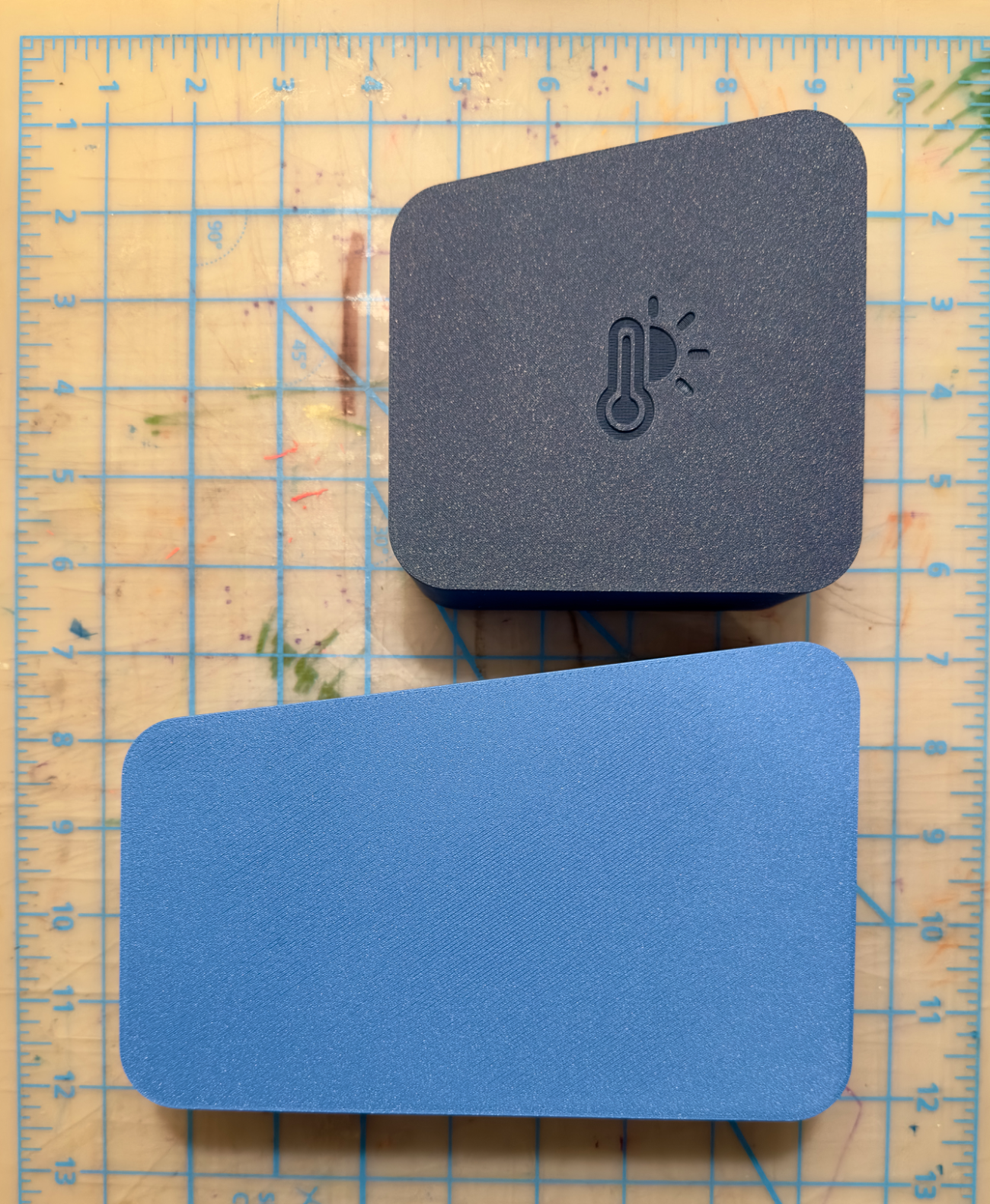
45% smaller, so it tucks into the right spot more easily.
Steadier, with a redesigned center of gravity so wind can’t tip it.
20% faster to produce the housing.
We were already sketching v3 before v2 had even cooled off the print bed.
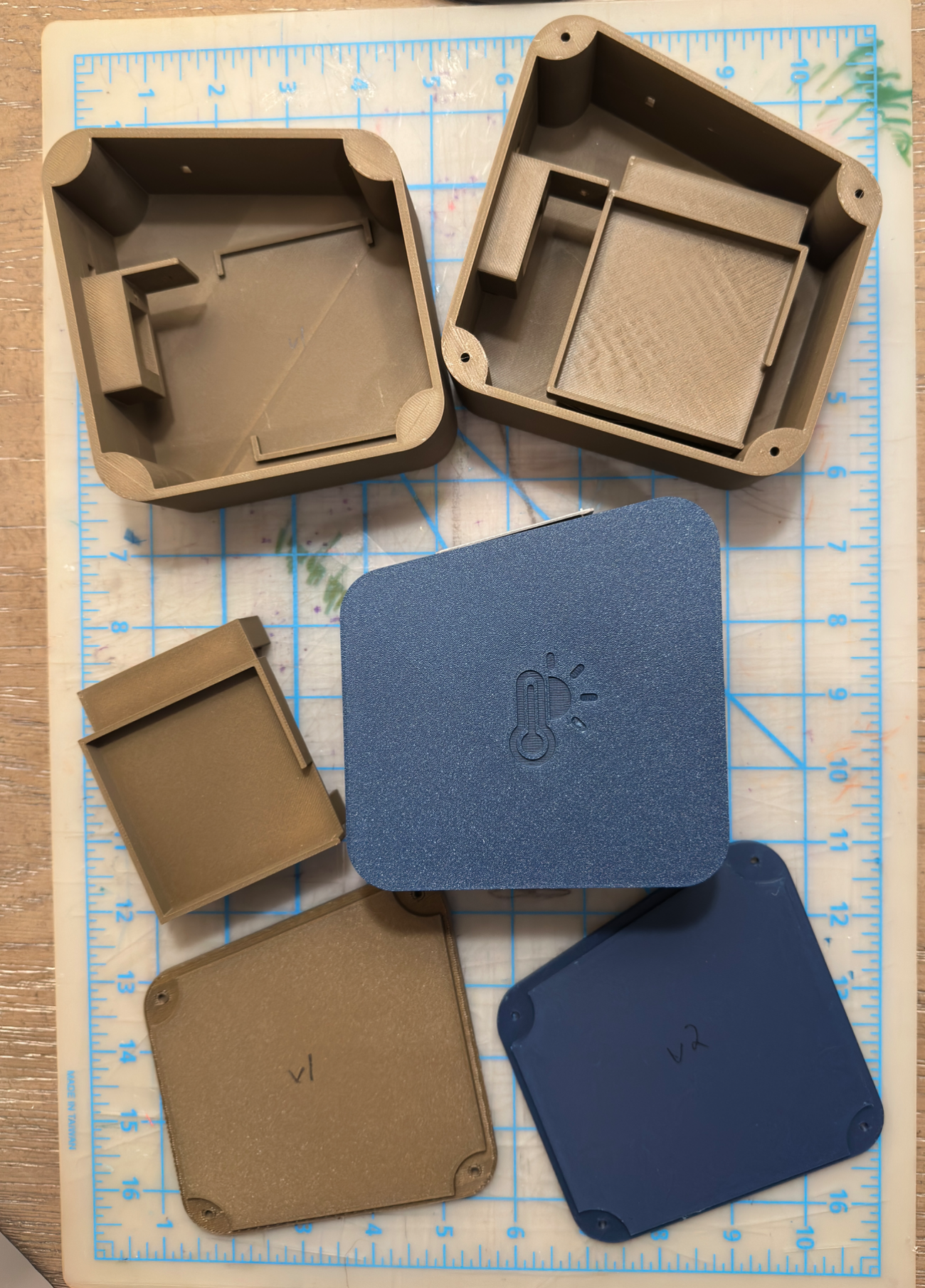
v2 deployed, side by side with v1, the prototypes it took to get the design right, and the rework that fit it all into a smaller case.
February 2026
Hyperlocal wins
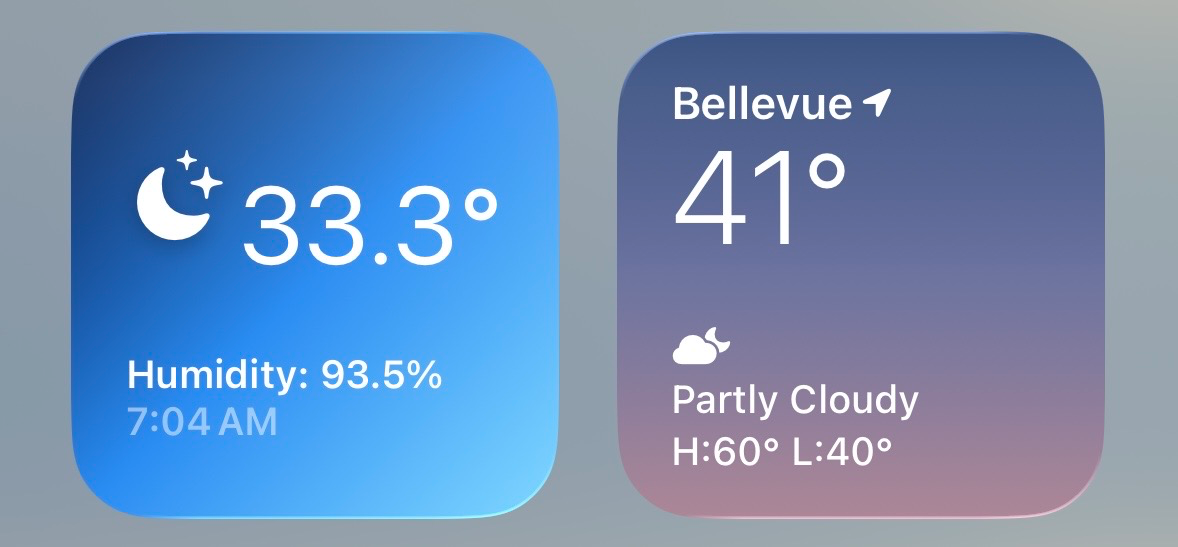
One cold morning our app read 33.3°F while Apple Weather said 41°F. The gap was big enough that we assumed something was wrong with our sensor.
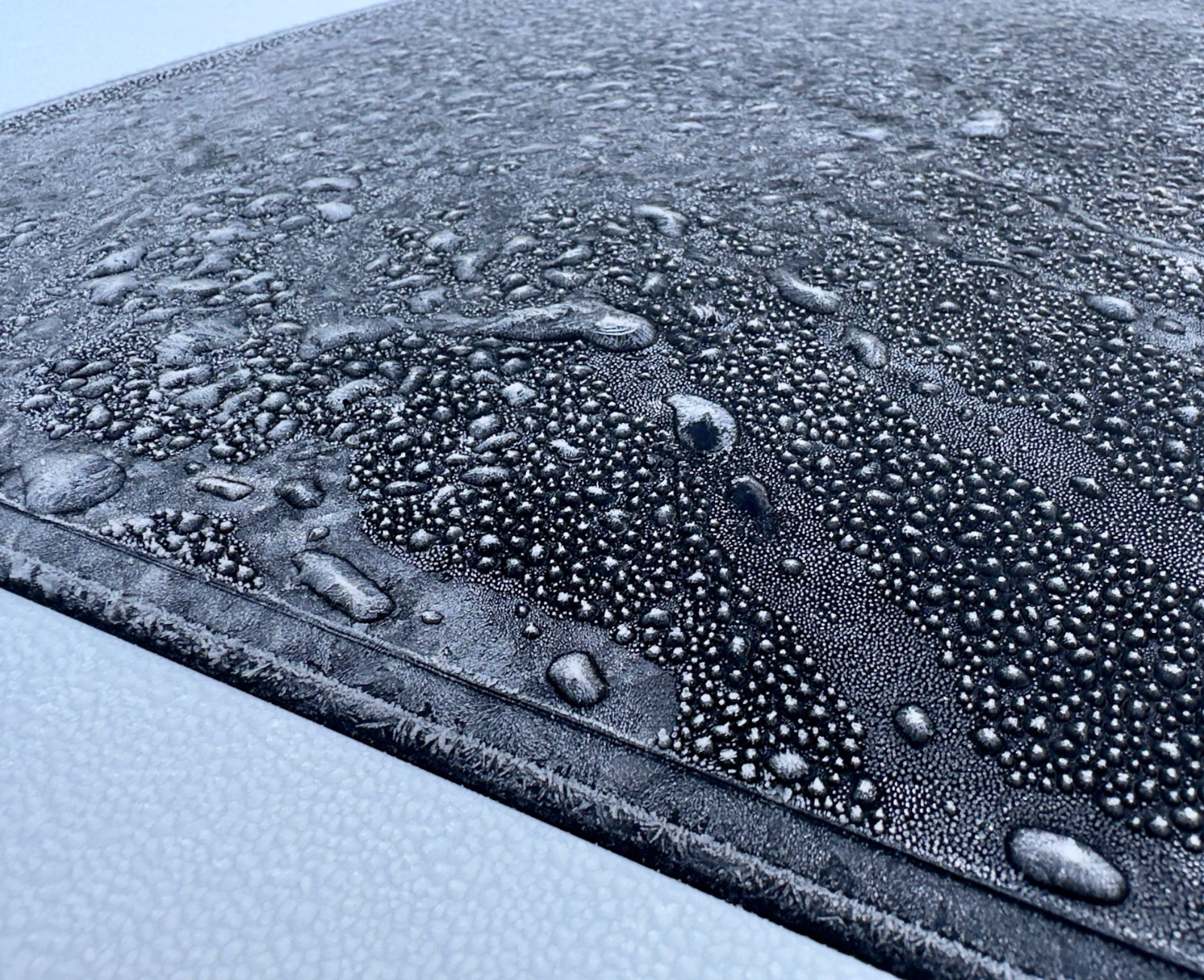
It wasn’t. The frozen sunroof on the car settled it. MyWeather was right and the nearest station was not. Hyperlocal and personal wins.
33.3° on our sensor versus 41° from the nearest station, and the frozen car that proved us right.
February 2026
Sweating the details
With v1 deployed outside, it was time to get back to the software side of things.
We have been impressed at how the new agentic features in Apple’s Xcode let us design, build, and test far more functionality than we used to be able to.
For example, the app dynamically renders its background to reflect the time of day, the season, and the position of the sun in the sky. We built, tested, and deployed it in a single afternoon. In the past a feature like that would have taken a couple of days to complete. We have a big backlog and are chewing through it at great velocity. Feels good.
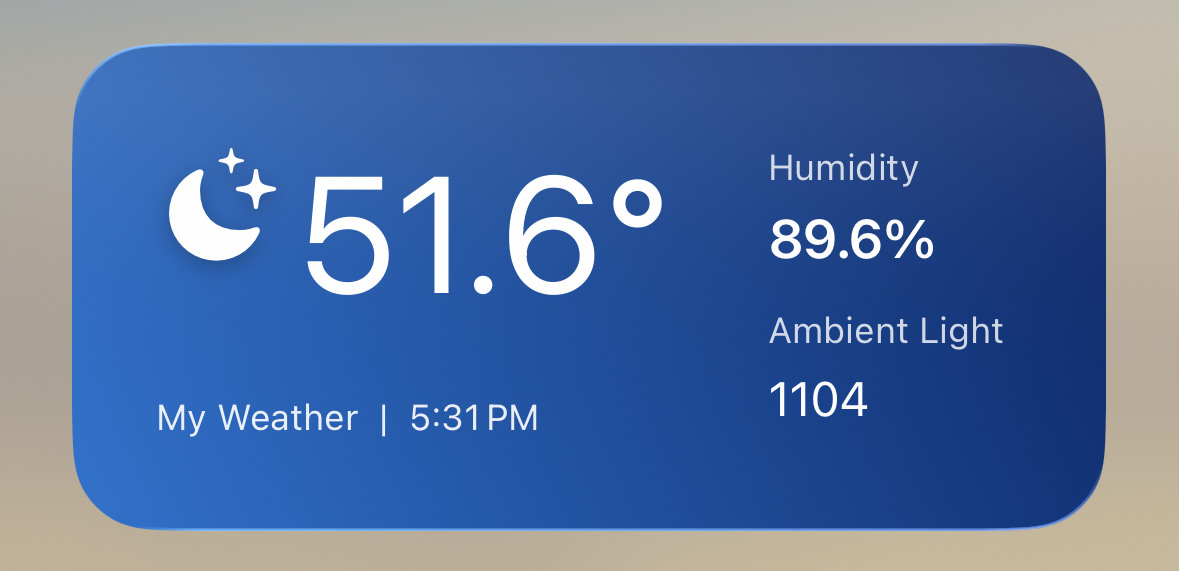
A great part of building a product for ourselves is the ability to ship a magical experience. Our friends in the gaming industry would call it “full of juice.” Time spent on craft. Dialing in the little details like animated transitions and dynamically changing icons. Adding the extra touches, like lock screen widgets, that really make it pop.
Too many organizations say they want to create something special, then never give their teams the time and support it takes. You can tell a product that was truly cared for during creation from one that is merely viable. There are not enough of the former out there.
Next up will be data displays of temperature, humidity, and light levels across the course of a day. Oh, and one more thing… the v2 hardware design is coming along really well and much faster than anticipated. Can’t wait to share it soon.
The app background shifts with the time of day, plus a home screen widget for the at-a-glance read.
February 2026
v1, out in the backyard
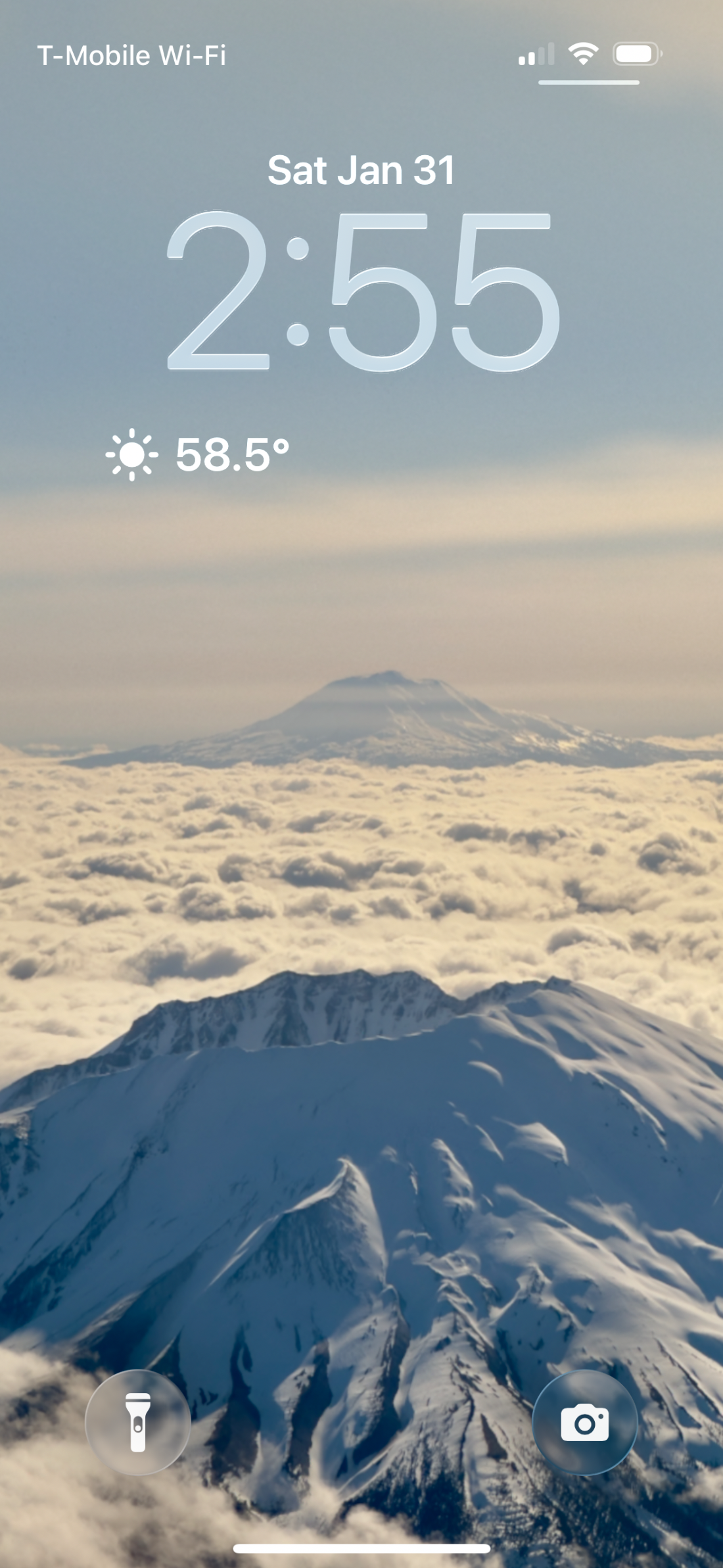
We finished the case and set the sensor out back. It started collecting data immediately. For the first time we could see the exact temperature at our house, 58.5°F, right from the lock screen.
It took a handful of iterations to dial v1 in, and our 3D printer got a real workout. With today’s tools it is amazing how fast one can iterate both hardware and software from your office or home.
The moment the sensor went outside, the real learning began. A few hours in the actual environment surfaced improvements we never would have found perfecting CAD indoors. We were already sketching a v2 that would shed roughly 40% of the volume.
v1 deployed in the yard, the 58.5°F reading on the lock screen, and the print iterations it took to get there.
January 2026
The first signal
Last year, a question over Thanksgiving turned into Word Hunt Solver. This year we wanted something that pushed us a little further: a custom weather station for our own yard.
We always want to know what the specific weather in our back yard. Unfortunately, most of today’s products require an LCD screen on your counter. We don’t want that. Plus, that doesn’t work when we are away from home. Other products require you to download a 3rd party app and create an account for their service. Some charge a fee.
We decided this was a perfect opportunity to roll our own product and create exactly what we want. Like Word Hunt Solver, it would provide a playground of new things for the two of us to learn, with the ability to go as deep as we want. So many possible layers.
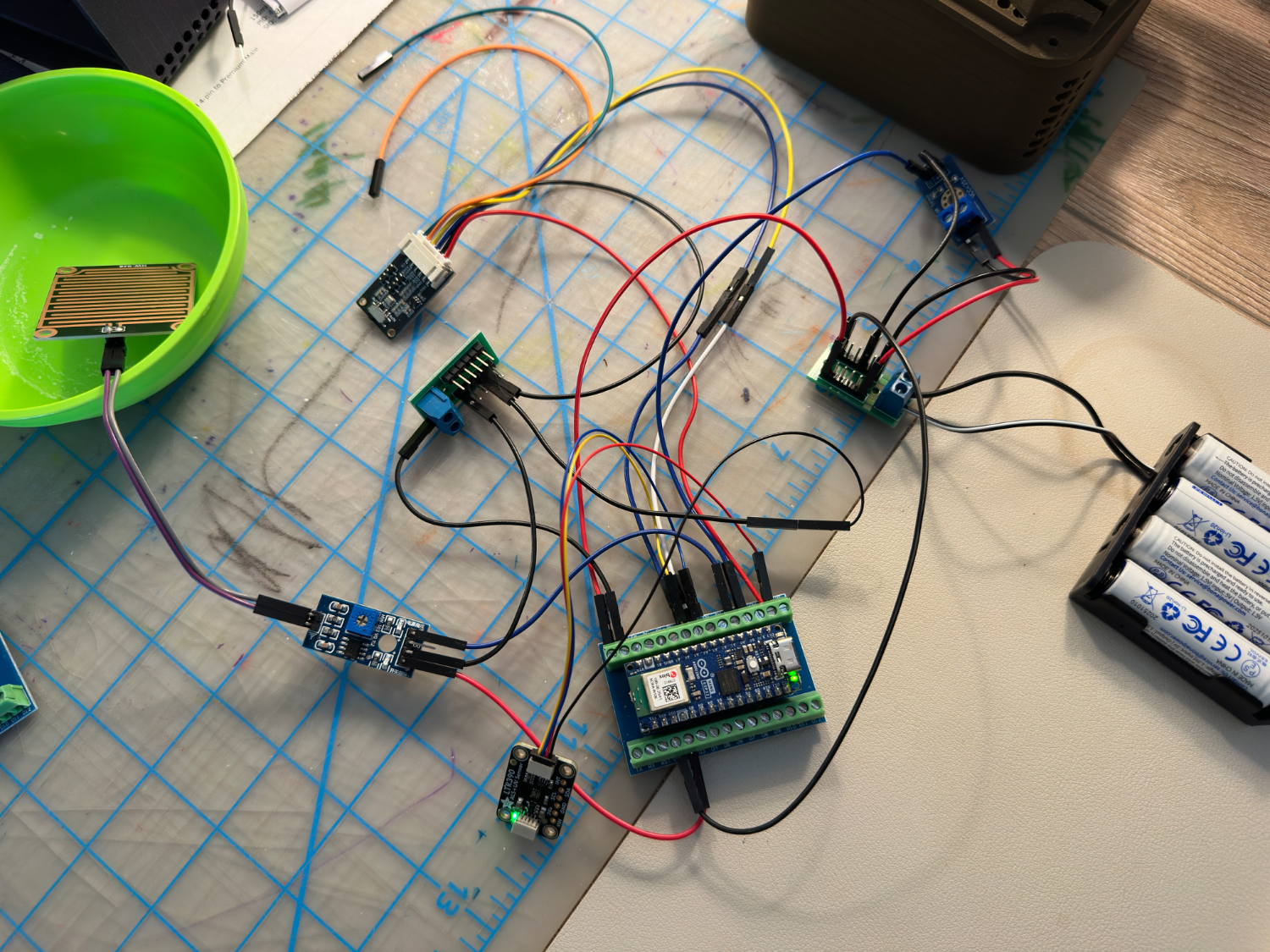
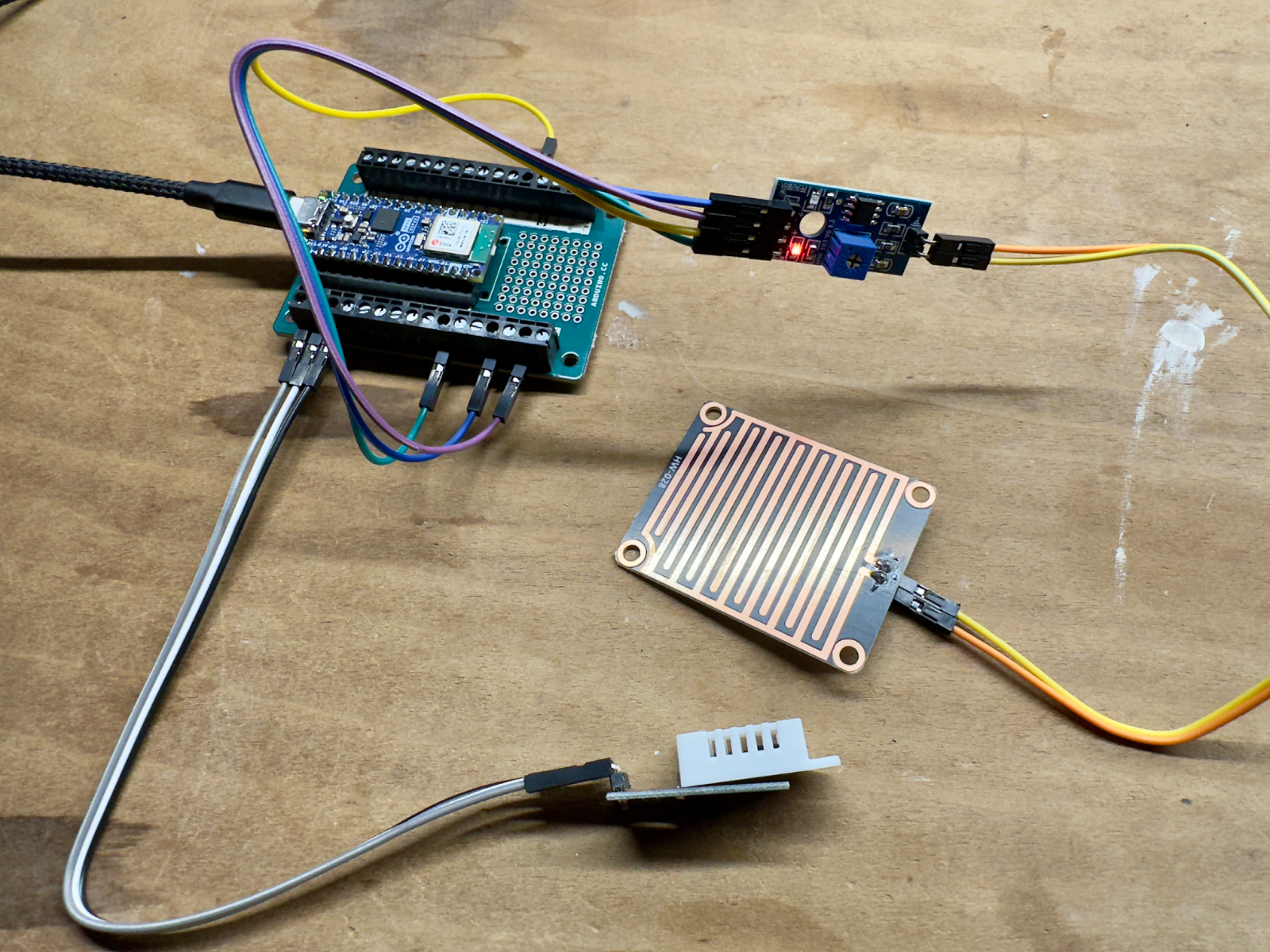
Our first sensor is up and running. It collects temperature, humidity, and rain data. The sensor is successfully sending the data off to our service. We started work on the iOS app this week.
Still plenty to do on the software side. On the hardware side we have sketched out the industrial design for the sensor, but need to put it into CAD and then 3D print the first one.
We will keep folks posted as we build it out.
The first build and the first numbers on the app. An Arduino Nano wired to temperature, humidity, and rain sensors.
A few things we have learned
Every layer of this project has a rabbit hole under it. Below are a handful of the more fun ones we have fallen into so far. This is a running list that grows as we find new and interesting things.
RTC Memory
Memory that survives deep sleep
The Arduino Nano keeps a small 8KB block of RTC memory alive while the main CPU and SRAM are powered down. Storing readings there let us skip a slow flash read on every wake cycle. A meaningful battery win.
Materials
A window that lets UV through
To add UVA sensing we went deep on UV-transmissive materials. Some let UVA pass while blocking UVB. Finding the right material for the new light window took real digging.
iOS
Alerts without the plumbing
iOS local, on-device notifications let us ship frost and low-battery alerts quickly. No push servers or extra infrastructure to stand up.
Velocity
Today’s speed
Build, deploy, watch, learn, iterate in a day. Hardware and software. Front-end and back-end. Agentic tooling in Xcode took features from concept to tested code in an afternoon. Our 3D printer produced new designs in a few hours. This tight loop created an incredibly high rate of learning and is a reason the project is so much fun.
v3.5 is deployed. Now we are off to chase the next bit of curiosity.
MyWeather is not for sale. It is something we made for ourselves. A father-and-son project we keep tinkering with. This log is open-ended, and we will keep adding to it as the build goes on.